How do I login to Dockflow?
Complete instructions for accessing your Dockflow account, covering initial setup and ongoing login procedures.
Accessing the Platform
Visit the login page at https://app.dockflow.com/. Your forwarder might also have a custom access page set up.
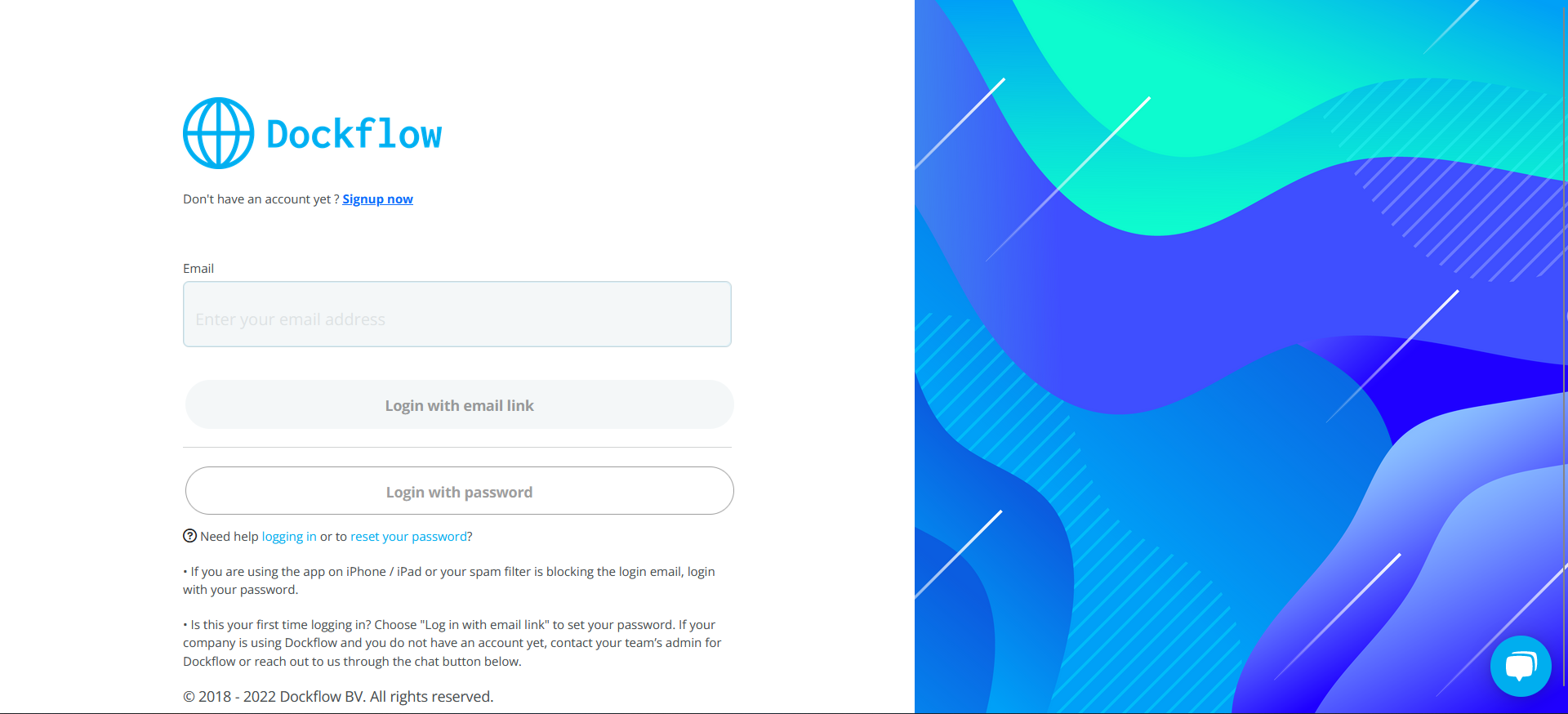 Figure 1: Dockflow login page
Two Authentication Methods
Dockflow offers two ways to authenticate, depending on your device and preferences.
Email Link Method (Recommended for Desktop/Android)
- Select "Login with email link"
- Check your inbox for the access link
- Click the link to log in automatically
This method is recommended for non-iOS devices.
Password Method (Recommended for iOS)
- Choose "Login with password"
- Enter your email address
- Enter your password
- Select "Sign in with password"
First-Time Users
New accounts receive an automatic email with a login link. Opening that link signs you in. You can set a password at that point if you want one, but you do not have to - the emailed link works on its own, indefinitely.
Regular Login
After your initial setup, you can choose between:
- Password-free "magic login link" - sent to your email each time you want to log in
- Password - if you set one
Choose the method that works best for your device and preferences.
Common Issues
"Where is my password?"
You may not have one. If you have always signed in through the emailed link, no password was ever set on the account, and there is nothing to look up or reset.
Two ways forward:
- Keep using the link. Choose "Login with email link" and sign in from your inbox. Nothing else is needed.
- Set a password. Sign in with the link first, then set a password from your account settings. Useful on iOS, where the link method is less reliable.
If the link does not arrive, it is almost always the spam filter - see below.
iOS Gmail/Mail Users
Issue: Magic links aren't recommended on iOS devices when using the Gmail or Mail app.
Solution: Use the password method instead for a more reliable login experience.
Spam Filters
Issue: Some IT departments might block emails containing complex links such as the magic link used by Dockflow.
Solutions:
- Check your spam/junk folder
- Contact your IT department to whitelist Dockflow emails
- If you have a password, use that instead. If you have never set one, ask support and we will get you in another way
Need Help?
If you're still experiencing login issues:
- Real-time chat support - Available in the bottom-right corner of the login page
- Email support - [email protected]
Last updated: January 28, 2026